Intermittor and Intermittent are two technician-side applications that help intermittents du spectacle track their 507-hour counter, their hours and their status. Here are the concrete differences to know before choosing.
Short answer. Both apps pursue the same goal: tracking your intermittent file. The main differences to check are the availability of the web in addition to iOS (to enter data from the computer), automatic AEM (Attestation Employeur Mensuelle, monthly employer attestation) import by reading the PDF, the ARE (return-to-work allowance) simulator, document storage per project, and the trial policy (Intermittor: 1 month free, no card required).
Who each tool is for
Intermittent (the app) is aimed at intermittents du spectacle who want to track their hours and their 507-hour counter. Intermittor, for its part, is built on the intermittent side (technician or artist). Understanding that difference clears up 80% of the misunderstandings about « which one is best ».
Intermittor vs Intermittent (the app)
| Criterion | Intermittor | Intermittent (the app) |
|---|---|---|
| Who for | The intermittent (technician/artist) | The intermittent (technician/artist) |
| Platforms | iPhone, Android and web | iPhone, Android and web |
| 507-hour counter | Yes, automated | Yes |
| AEM import (PDF reading) | Yes: link, PDF, photo or drag-and-drop, duplicates detected | Yes, automatic extraction from administrative documents |
| Timesheets and collective-agreement gross pay | Yes, with a set timer and PDF export | No: the tool starts from the contract, not from the working day |
| ARE / France Travail (formerly Pôle emploi) simulator | Yes | Depends on the app |
| Document storage per project | Yes | Depends on the app |
| Trial | 1 month free, no card required | 1 free trial month, then a yearly subscription (free plan for intermittents not receiving benefits, up to 400 hours recorded) |
| Built by | A working gaffer | orlaim |
How to choose
If you are an intermittent du spectacle who wants to track your hours and your 507-hour counter, Intermittent (the app) remains relevant within its scope. If your main need is to track your 507-hour counter, your AEM forms and France Travail yourself, while staying independent of productions, Intermittor is the right tool.
What Intermittor looks like
Glimpses of Intermittor: iPhone, Android and web, AEM import, ARE simulator and document storage per project.
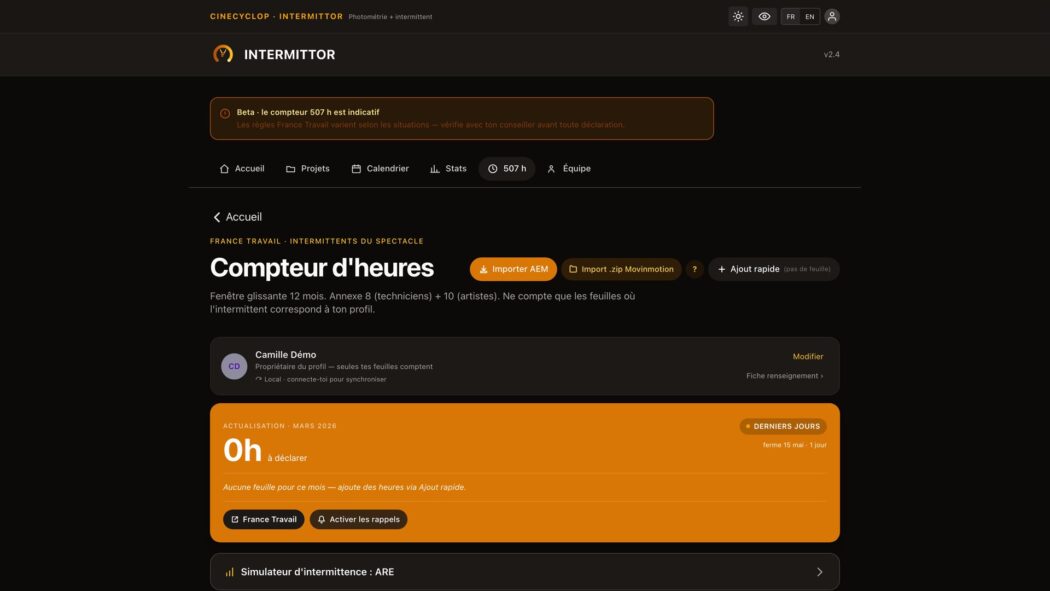
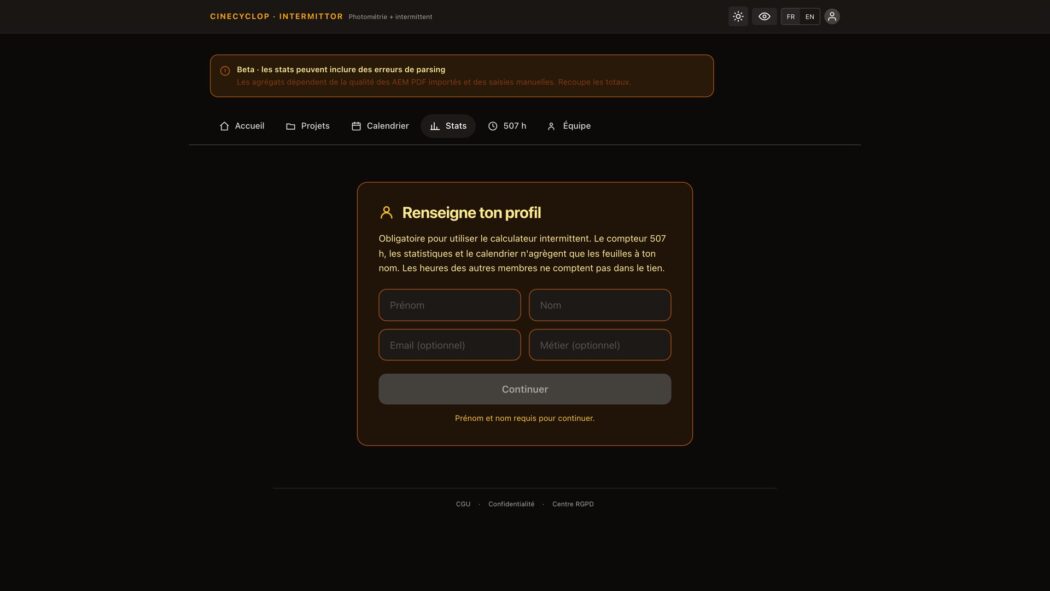
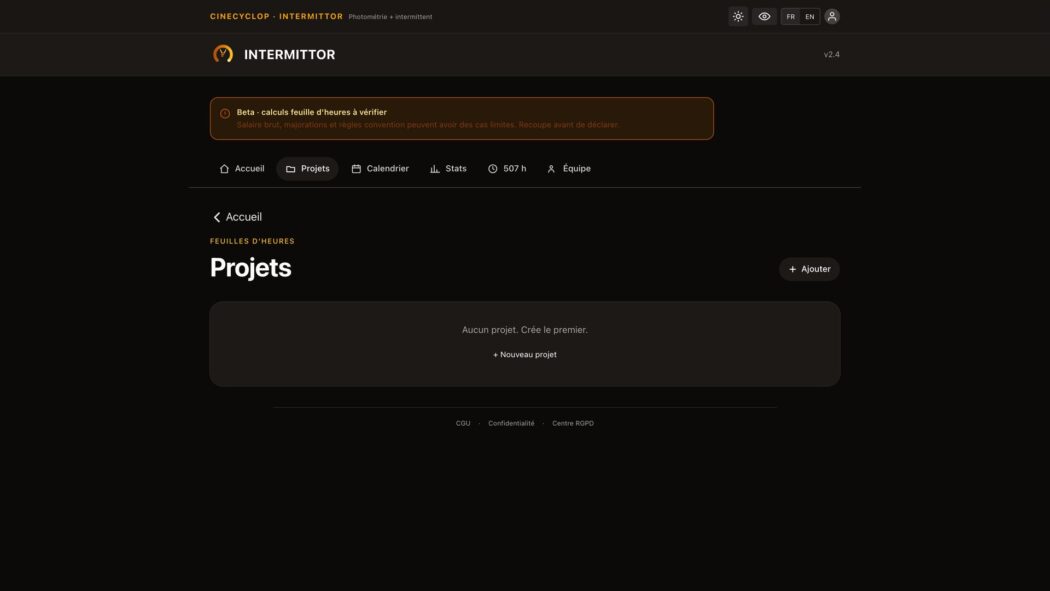
The official Intermittent (the app) site
To make up your own mind, here is a capture of the official Intermittent (the app) site with the main message they put forward: « Take control of your status ».
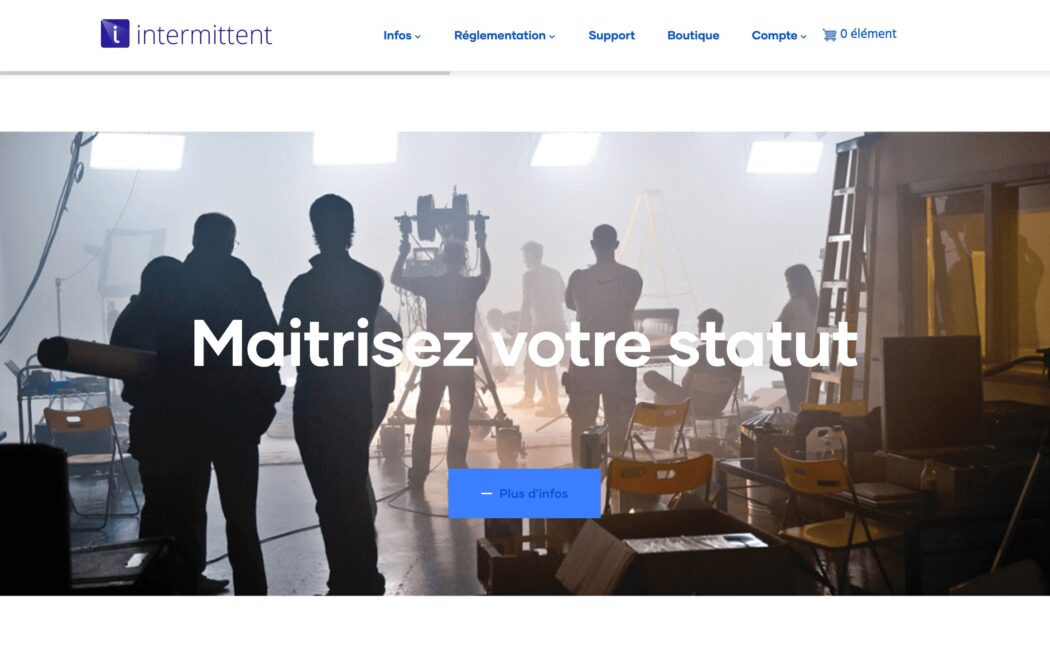
The official site of the Intermittent app puts forward control of your intermittent status. The exact scope of the features (web/iOS, AEM import by PDF reading, ARE simulator, storage per project) should be checked against the site and the App Store to compare point by point with Intermittor.
Frequently asked questions
What is the main difference between Intermittor and Intermittent?
Intermittor exists on iPhone, Android and web (data entry from a computer or a phone), imports your AEM forms automatically by reading the PDF, and offers a free 1-month trial with no card required. For the other specific features of the Intermittent app, check its official site.
Can I migrate my data from the Intermittent app to Intermittor?
You can re-import your AEM forms (monthly employer attestation PDFs) into Intermittor: it extracts the hours, the gross salary and the period, which rebuilds your counter with no re-entry.
Is there a web version of Intermittor?
Yes. Intermittor is web + iOS. You can use it from your computer (entering contracts, managing AEM forms) and from your phone.
See also: Best app for intermittents du spectacle · Intermittor presentation.